AdCreator AI gives you finished, un-watermarked ads for Facebook, Instagram, Google and TikTok — plus narrated video ads — for every product in your catalogue. Your first one is on us.
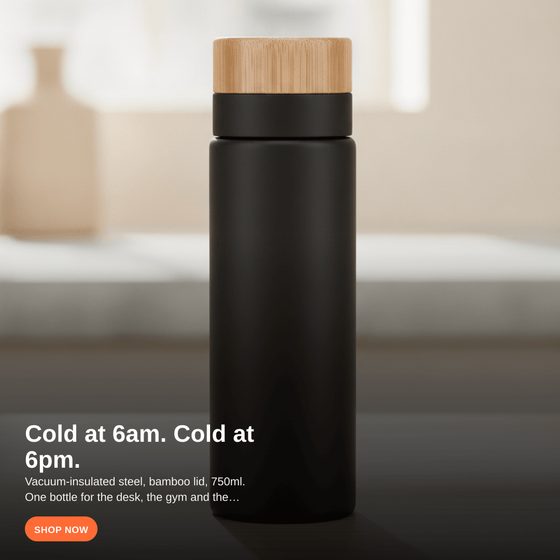
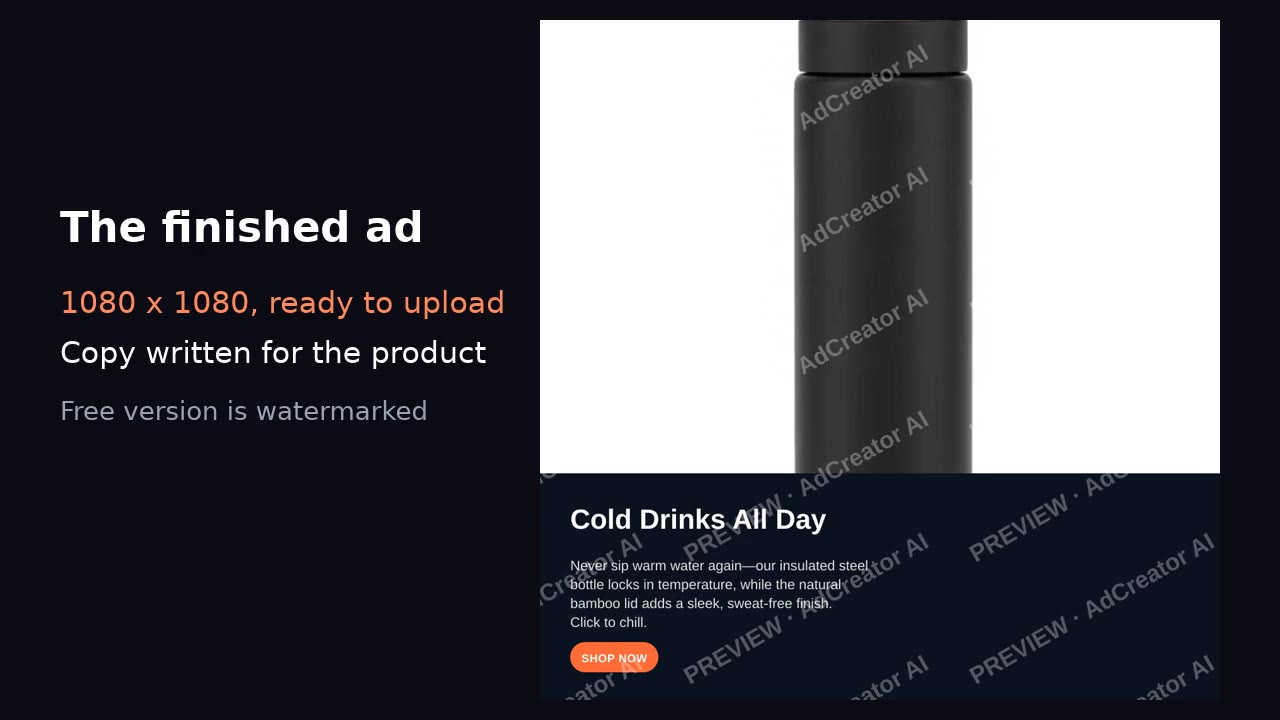
That is what the tool above makes from one photo — scroll up and try it with your product.
Making an ad from a product photo
What a product photo needs before it becomes an ad
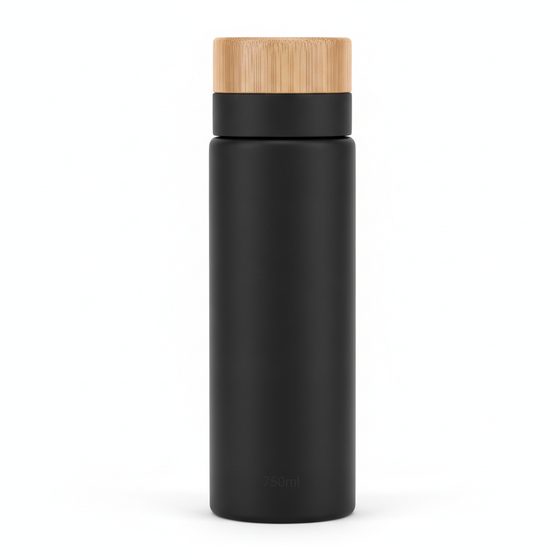
The photo does most of the work, and the bar is lower than people assume: the product in focus, lit from the front or side rather than behind, and enough empty space around it for a headline to sit without covering anything. A phone photo against a plain wall beats a dim studio shot every time.
Why the same ad should exist in three shapes
Feed, story and square placements crop differently, and an ad composed for one gets its headline sliced off in another. Build the message inside the middle of the frame so every crop keeps it, then export the sizes separately rather than letting the platform guess.
Frequently asked questions
Is the ad maker free?
Yes — it builds an ad from a product photo with no account and no card. The Shopify app is a separate product; you do not need it to use this.
What image size should I upload?
Anything above roughly 1000px on the short side is fine. What matters more is that the product is in focus and has space around it for the headline to sit.
Can I use a photo taken on my phone?
Yes, and most of the time it works better than a stock shot because it looks like the product a real shop actually sells. Shoot against a plain background in daylight.
What sizes does it produce?
One square 1080×1080 ad, which runs as-is in Facebook and Instagram feeds. For stories and reels, crop a 9:16 version yourself and keep the headline away from the top and bottom edges.
Do I need design skills?
No. You supply the photo and the product; the layout and the headline placement are handled for you.